
If you no longer need a workspace, you can delete it from the workspace settings. Deleting a workspace permanently removes all associated data, including projects, tasks, clients, and records within that workspace.
How to Delete a Workspace
- Log in to your Taskip account.
- Go to Settings from the dashboard.
- Select Workspace from the settings menu.
- Locate the workspace you want to remove.
- Click Delete Workspace.
- Confirm the deletion when prompted.
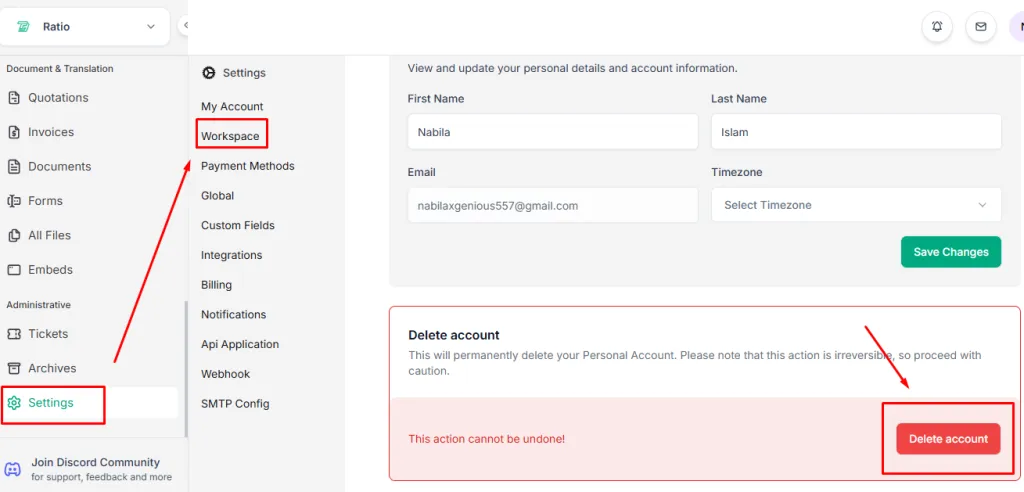
| Important: This action cannot be undone. Make sure to back up any important data before deleting a workspace. |