
You can manage your personal information and account security from the Personal Account Settings in Taskip.
Profile
You can manage your personal profile and account information from the Profile Settings section in Taskip.
- Log in to your Taskip account.
- Go to Settings.
- Click My Account > Profile.
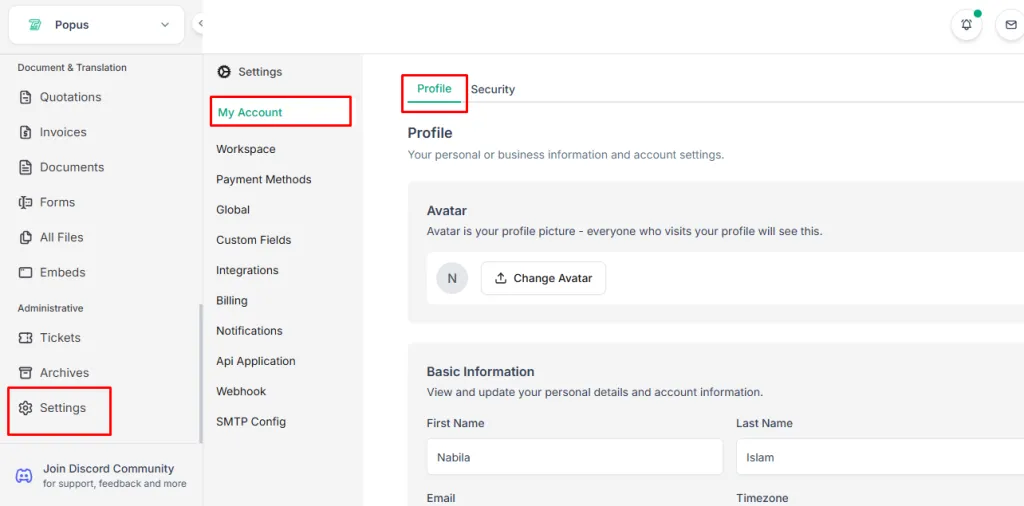
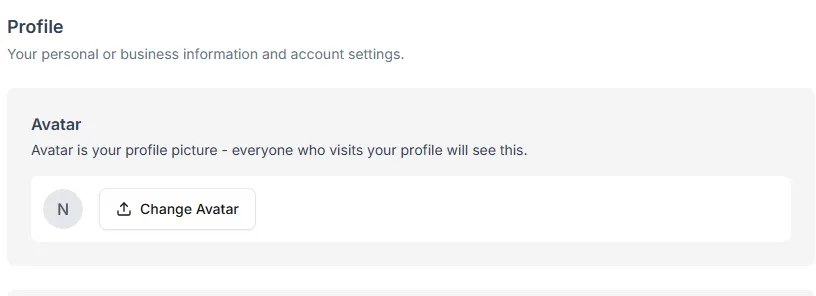
Avatar
- Add or update your avatar (profile picture).
- Your avatar will be visible to anyone who visits your profile.
**Basic Information**View and update your personal details and account information.
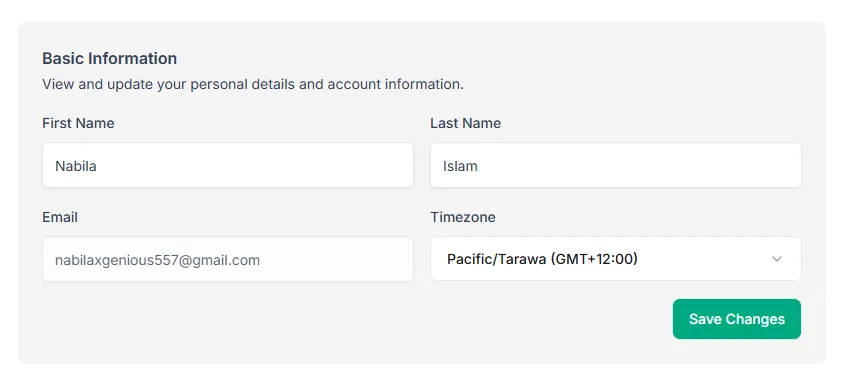
- First Name – Enter or update your first name.
- Last Name – Enter or update your last name.
- Email – Your registered email address for the account.
- Timezone – Select your correct timezone for accurate scheduling and notifications.
After making any changes, click Save Changes to update your profile.
Security
Manage your account security settings to keep your Taskip account safe.
Access Security Settings:
- Log in to your Taskip account.
- Go to Settings.
- Click Security.
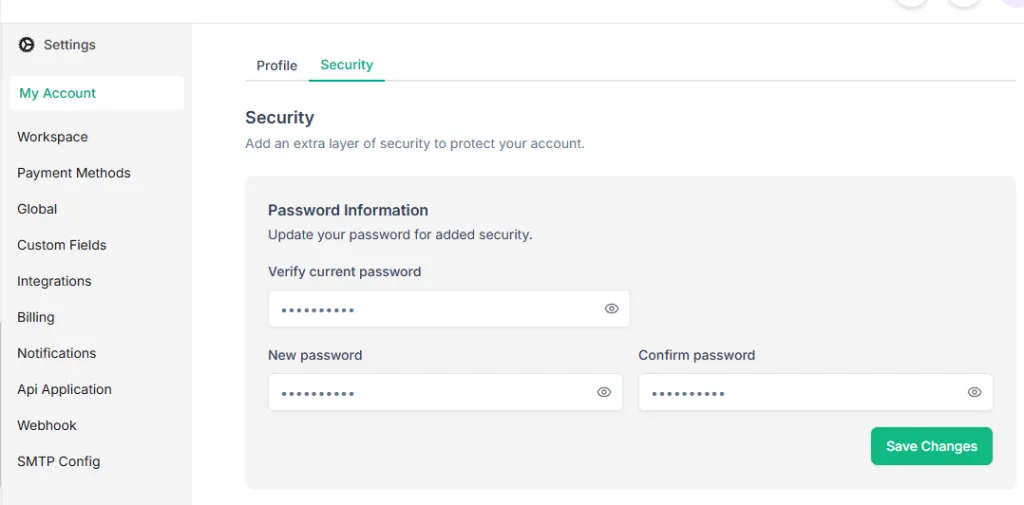
From here, you can update your password to help keep your account protected.