
API Applications allow you to securely connect Taskip with external systems, custom scripts, or third-party tools.
Each application generates a unique API key that authorizes access to Taskip’s public APIs.
Navigation Path
Settings → API Application
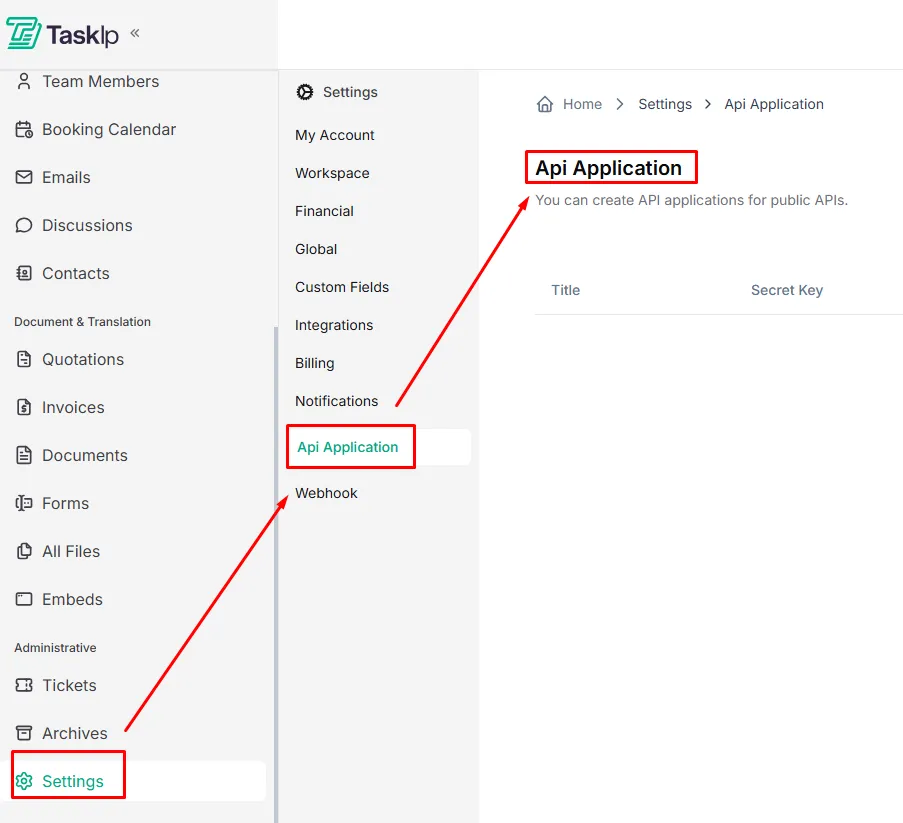
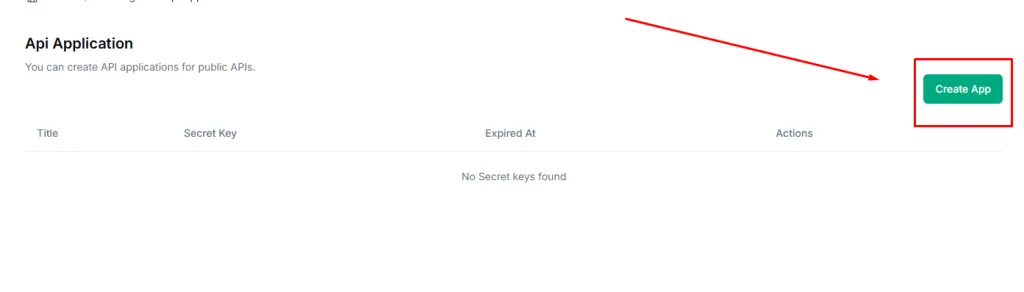
Creating an API
- Click Create API.
- Enter a descriptive Title for the application
(e.g., “CRM Sync”, “Custom Dashboard”). - Set an Expiration Date for the API key. (Optional)
If no date is selected, the key is valid for 1 year by default.
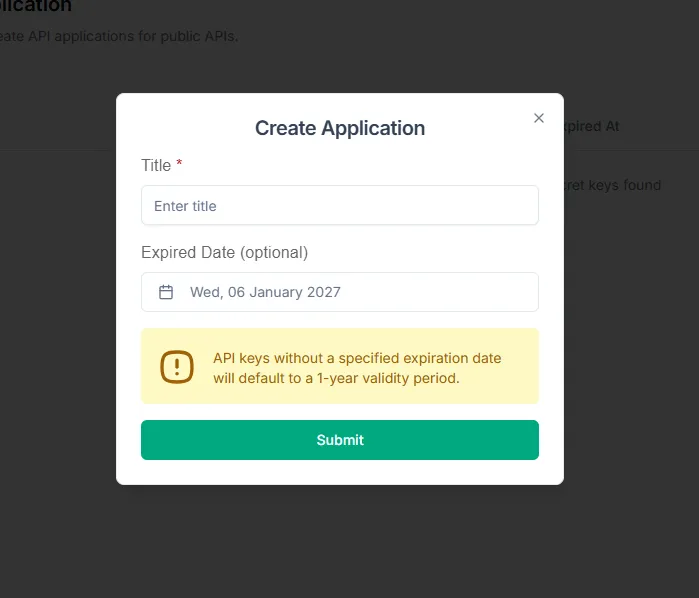
- Click Submit.
- Copy the generated API Key immediately and store it securely.
| The API key is shown only once for security reasons. |
Managing API Applications
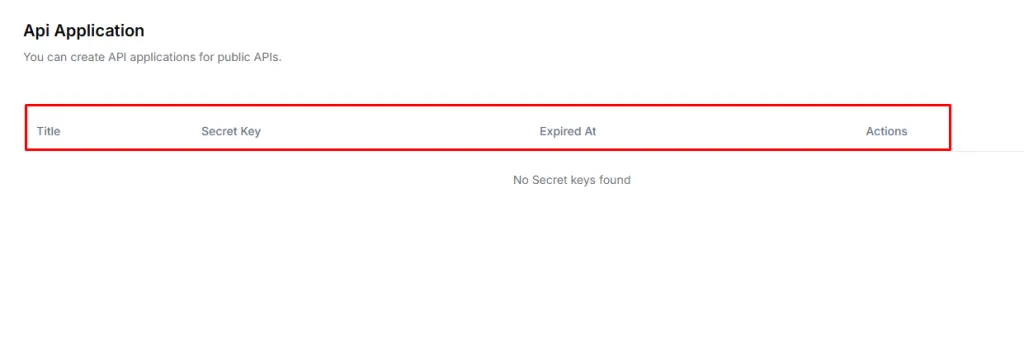
- View all active API applications from the main list
- Track expiration dates to avoid service interruptions
- Revoke or regenerate API keys when needed
Security Best Practices
- Never share API keys publicly
- Do not commit API keys to source control
- Rotate keys periodically
- Revoke access for applications that are no longer in use